
















Puget Systems is best known in the workstation scene for its specially customized high-performance PCs, which are tailored to the requirements of creative professionals, engineers and scientists. In addition to the hardware, the company has created its own benchmark portfolio with the so-called PugetBenches, which are not based on synthetic workloads but are executed directly in real applications. The tasks range from basic activities such as image scaling, cropping or layer operations to more complex functions such as smart filters, camera raw or automated batch processing. GPU-accelerated features such as Blur Gallery or transformation filters are also included, so that both CPU and GPU performance are included in the overall rating.
The result of the benchmark is made up of several partial values that separately record performance in general tasks, GPU-accelerated effects and memory-intensive operations. From this, an overall score is formed, which allows direct comparability between systems. The advantage for the user is that the results are based on real behavior within Photoshop and not on simplified scenes or synthetic tests.
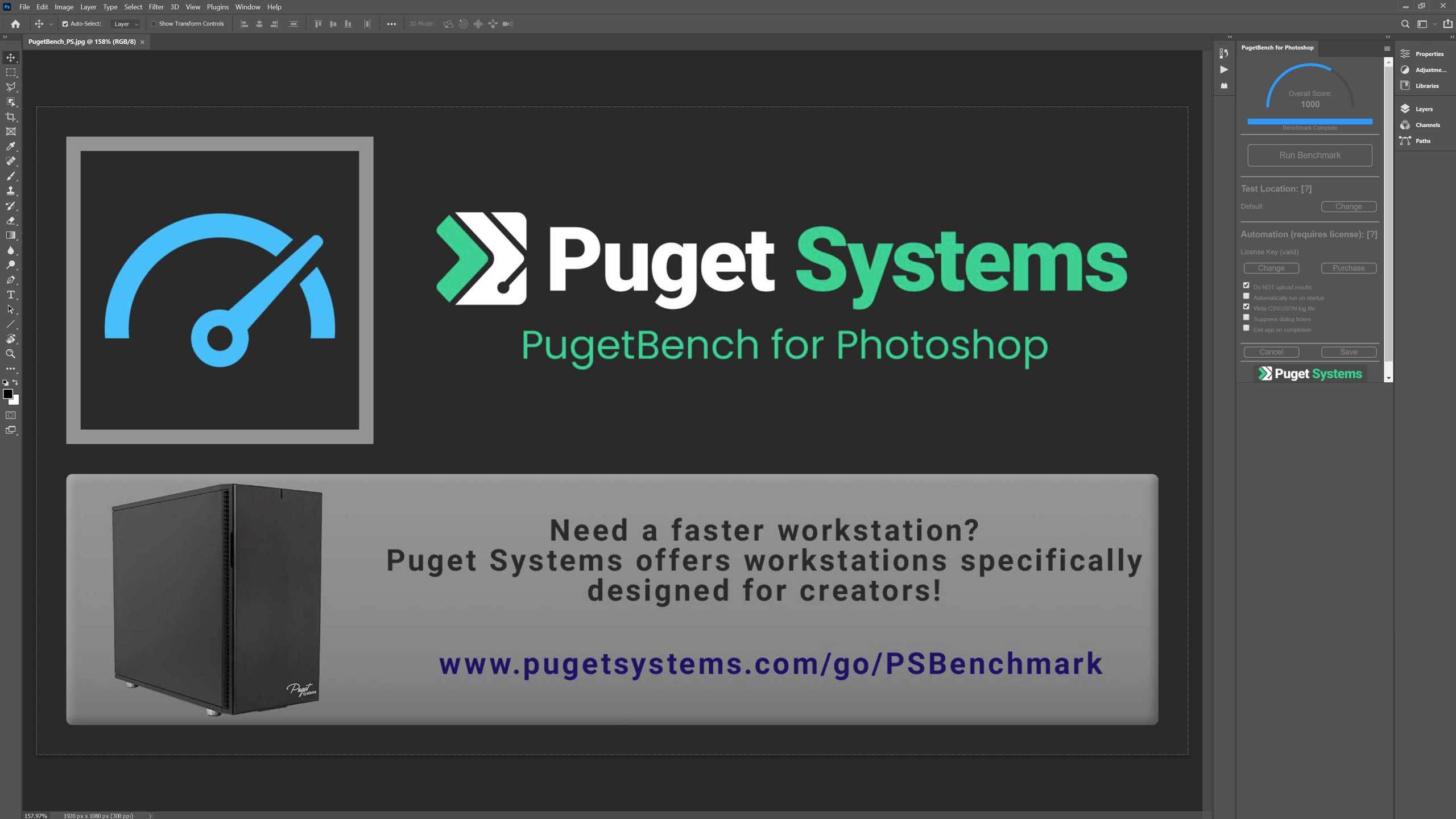
By running this benchmark, users get a quantitative value that reflects the performance of their hardware in relation to Photoshop. This is especially useful for professionals or enthusiasts who want to make sure their hardware configuration is optimized for working in Photoshop. Each individual task is run a total of three times, with the fastest result being used to determine the final score. A complete run should take about 15-30 minutes, but may vary depending on the performance of the system. It is definitely impossible to test everything in Photoshop, but this benchmark is designed to test a wide range of tasks to get an accurate overall picture.
General tasks:
- open 18MP .CR2 RAW image
- scale to 500MB*
- rotate
- select with magic wand
- Mask refinement
- Bucket fill
- Gradient
- content-based fill
- save .PSD file and open .PSD file.
Filter tasks:
- Camera Raw filters
- Lens correction
- Noise reduction
- intelligent sharpening*
- Field blur
- Tilt-shift blur
- Iris blur
- adaptive wide angle
- Liquefy
In the overall system score, the Intel Arc Pro B60 achieved the highest score in the test field with 13,888 points, closely followed by the B50 with 13,506 points. Intel thus outperforms both AMD’s Radeon Pro W7700 (13,105 points) and NVIDIA’s RTX 4000 Ada (13,038 points). The result shows that Photoshop benefits from the high memory bandwidth and efficiency of the Xe architecture. The good implementation of GPU acceleration via DirectX also provides an advantage here.

The General Score, which measures general interactions and the reaction speed during typical work steps, confirms this trend. With 140 points, the Arc Pro B60 is slightly ahead of the B50 (138 points) and also sets itself apart from the competition here. In practice, this means that operations such as layer changes, masking or filter application react subjectively faster.

In the Filter Score, which includes GPU-accelerated effects such as depth of field, blurring and light simulations, the B60 once again achieved the top score with 136 points. The B50 follows close behind with 133 points. All other models are around 10 to 15 points behind. It is particularly noteworthy that Intel’s drivers apparently offer very good optimization for Adobe applications based on compute shaders and OpenCL.

When opening files, a heavily I/O and API-dependent process, the B60 is also ahead. With an average loading time of 0.85 seconds, it shows the fastest result in the field. Even the B50 (0.90 seconds) remains well below the one-second mark, while NVIDIA and AMD sometimes need over a second. The good integration of Intel GPU acceleration in conjunction with the memory subsystem, which efficiently moves data between the system RAM and GPU cache, probably plays a role here.

Interim conclusion
The Intel Arc Pro B60 delivers an outstanding performance in Adobe Photoshop 26.10. It achieves top positions in all sub-ratings and demonstrates that Intel’s workstation drivers for content creation software have now reached a very high level. Compared to the B50, a performance increase of around 3 to 5 percent is measurable, which results from a higher clock rate and better thermal behavior. The Arc architecture can fully exploit its strengths, particularly with GPU-accelerated filters and file handling. For image editors and graphic designers working with large projects, the B60 is therefore a real alternative to more expensive Ada or Radeon Pro solutions.

- 1 - Intro, overview and technical data
- 2 - Test system and equipment
- 3 - Teardown: PCB, topology and components
- 4 - Teardown: Cooler and fan
- 5 - Teardown: Material analysis and TIM testing
- 6 - Autodesk AutoCAD
- 7 - Autodesk Inventor Pro
- 8 - PTC Creo
- 9 - Dassault Systèmes Solidworks
- 10 - Autodesk Maya
- 11 - SPECviewperf 15 (2025)
- 12 - Adobe Photoshop 26.10
- 13 - Adobe After Effects 2025
- 14 - Adobe Premiere Pro 25.41
- 15 - AI benchmarks (AI Vision, Image, Text)
- 16 - Rendering
- 17 - Temperatures, clock rate, power consumption, noise
- 18 - Summary and conclusion











26 Antworten
Kommentar
Lade neue Kommentare
Urgestein
Veteran
1
Veteran
Urgestein
Urgestein
Urgestein
Urgestein
1
Mitglied
Urgestein
Urgestein
1
Urgestein
Veteran
Urgestein
Veteran
Mitglied
1
Alle Kommentare lesen unter igor´sLAB Community →