















Corsair’s AIO coolers have become an integral part of the market. Loved, hated, but above all bought. With the TITAN 420 RX RGB, Corsair not only wants to set a new performance reference, but also push its own iCUE LINK ecosystem. Goodbye tangled cables, hello RGB – at least that’s Corsair’s marketing promise. But how does the device perform beyond the colorful bling-bling show? Is it really a titan among the 360 AiOs or just another plastic monster with a USB tick? I put it on the table, took it apart, measured it and tested it.
Packaging and scope of delivery
The packaging of the TITAN 420 RX RGB follows the familiar Corsair pattern. A large cardboard box, printed with lots of yellow, lots of black and the usual dose of self-confidence. Inside, there is the typical mix of cardboard and molded cardboard support that holds everything reasonably securely in place. There are no surprises, but that is not necessary. The important thing is that nothing rattles and the radiator doesn’t wrestle with the fans.
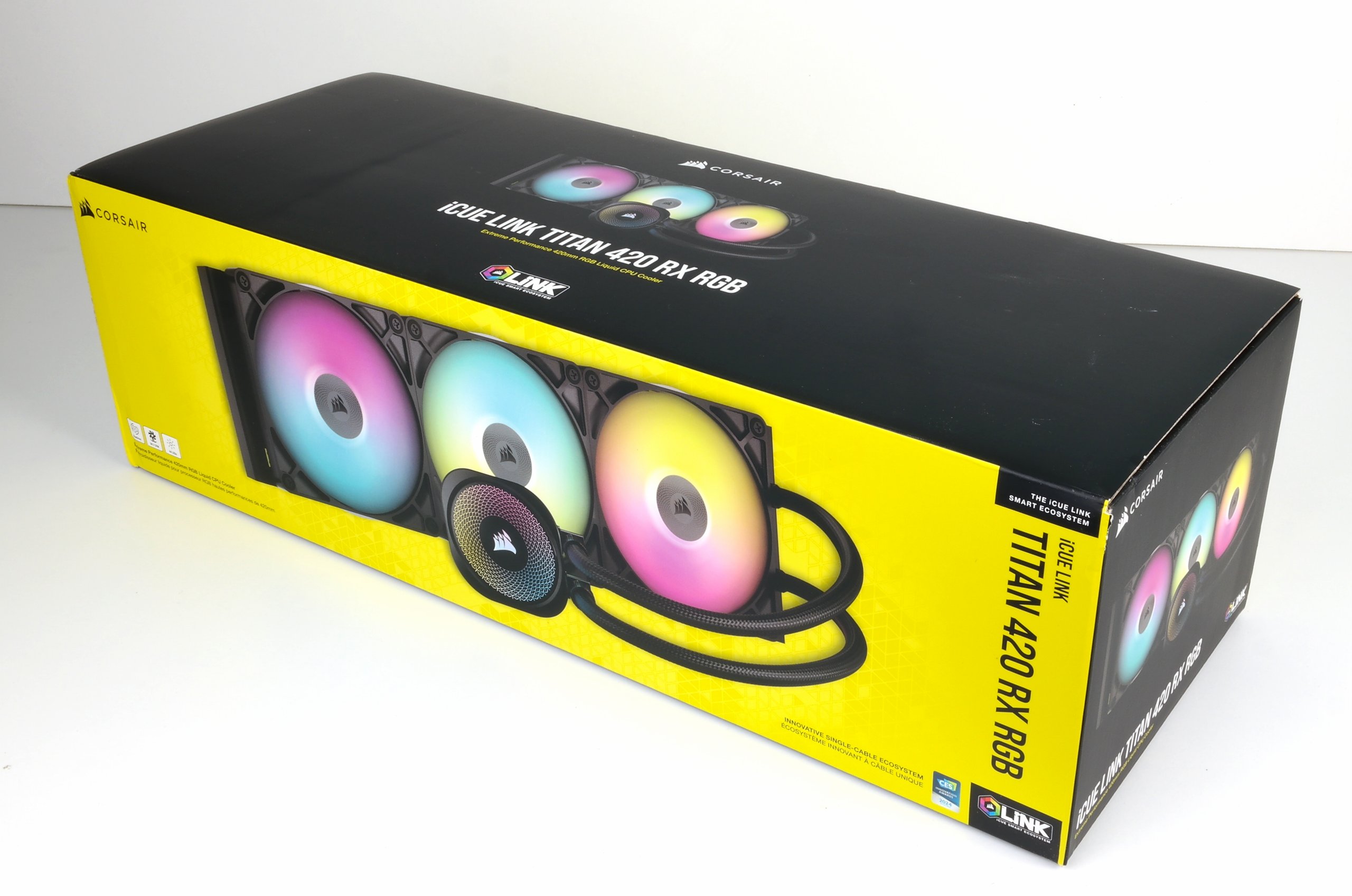
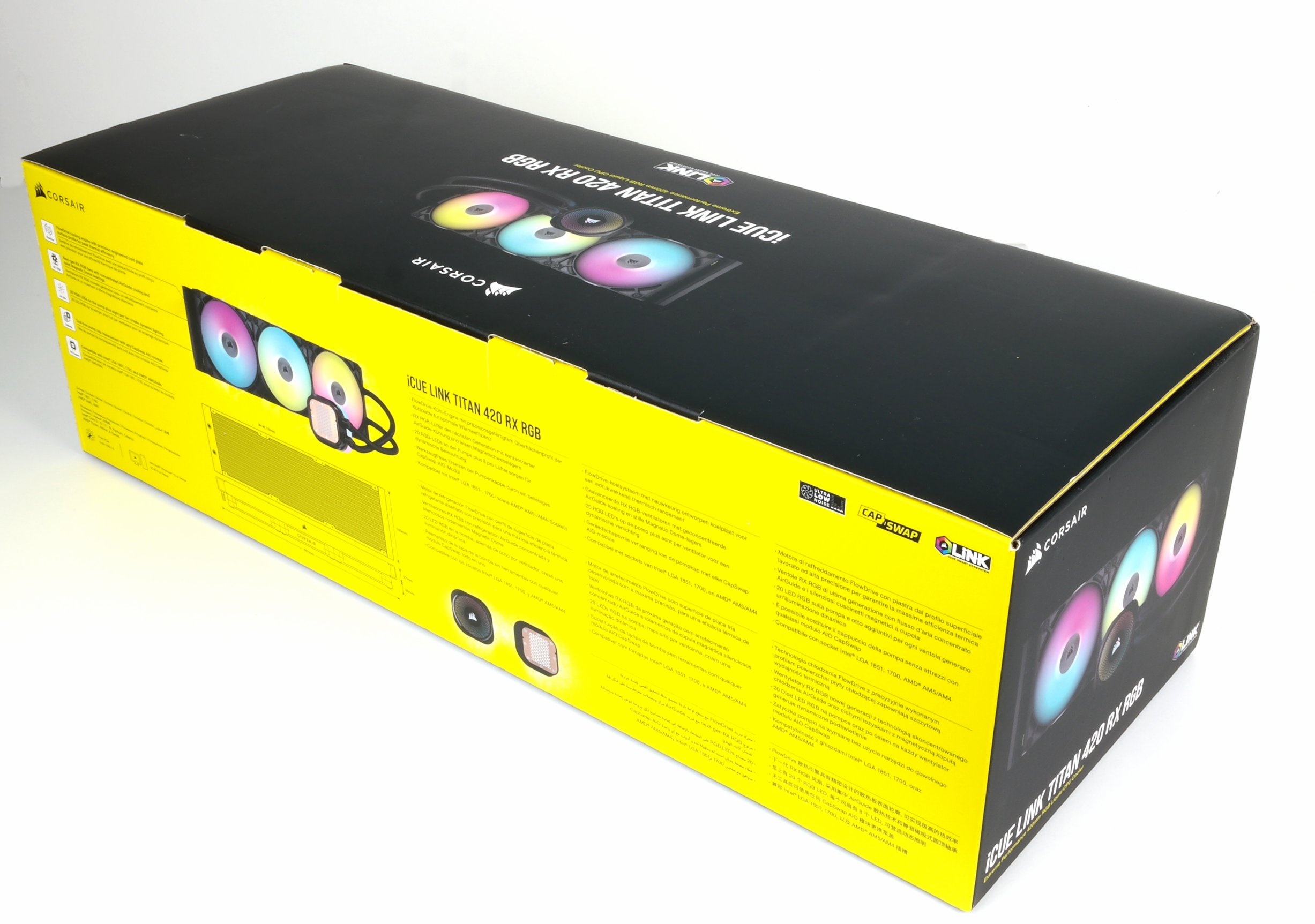
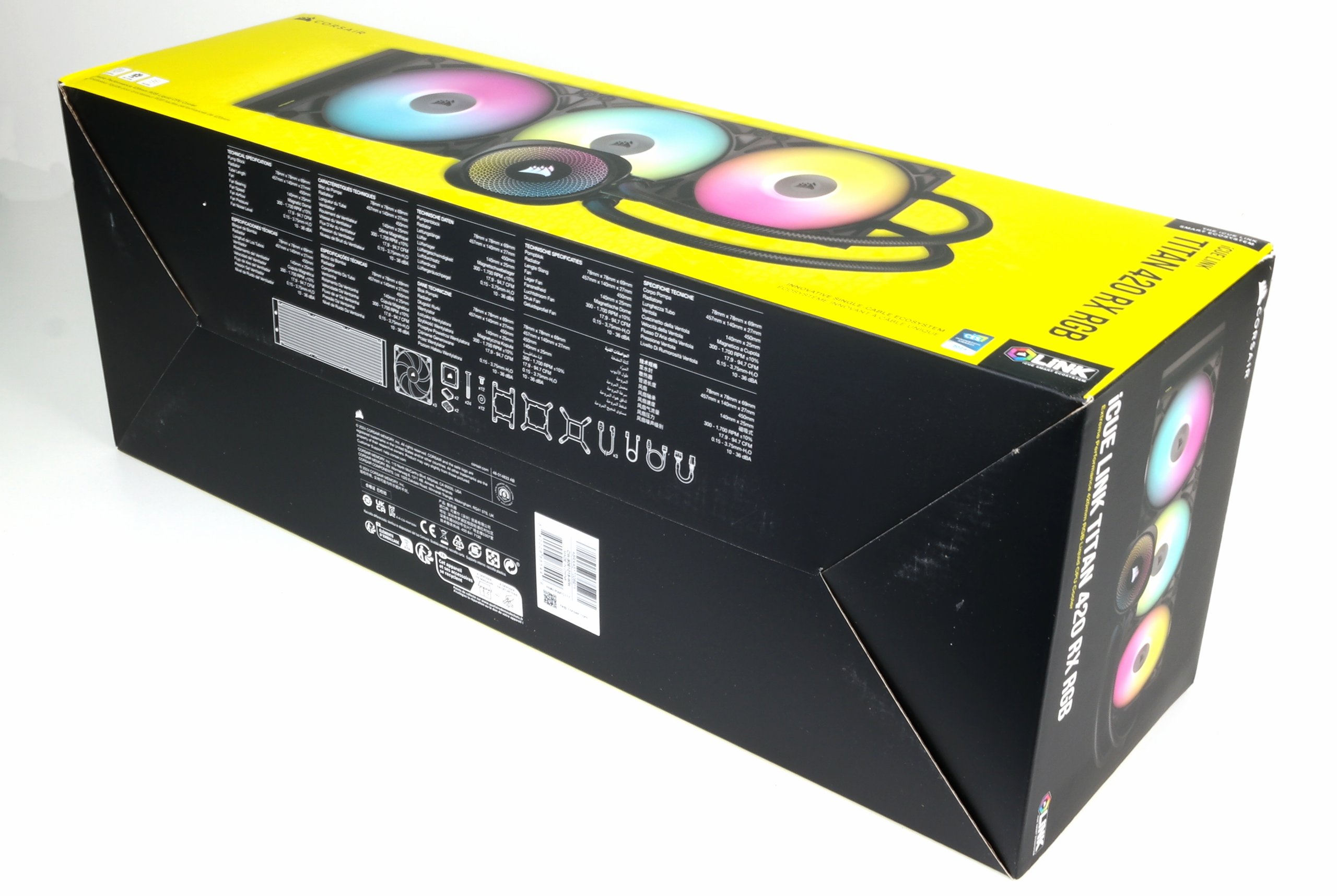
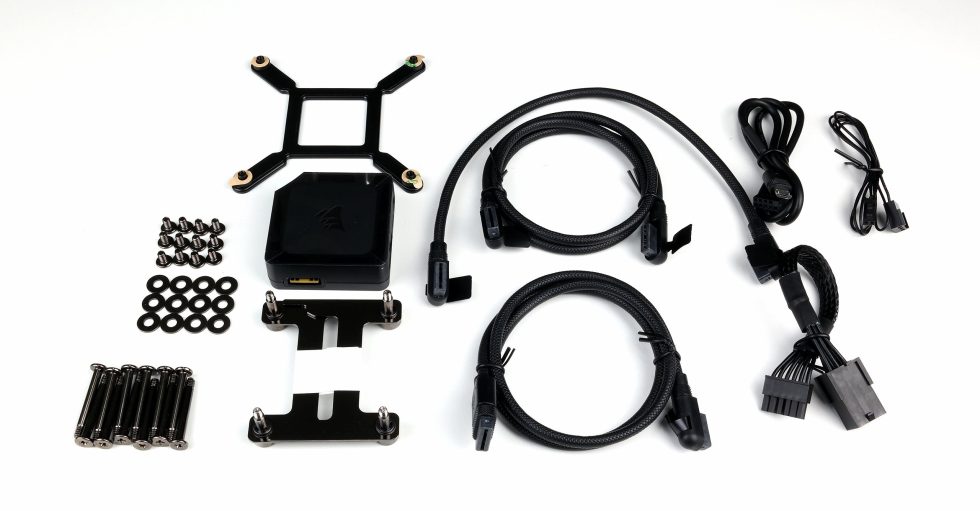
The scope of delivery is neatly sorted in individual bags, each labeled and therefore foolproof, even for Monday mornings. The fans are separate, the radiator is well protected and the pump has its own small cardboard compartment. The whole thing looks solid, functional and without any attempt to pretend to be more luxurious than it actually is. Just as you would expect from a 420, which takes up half the desk as soon as you unpack it.
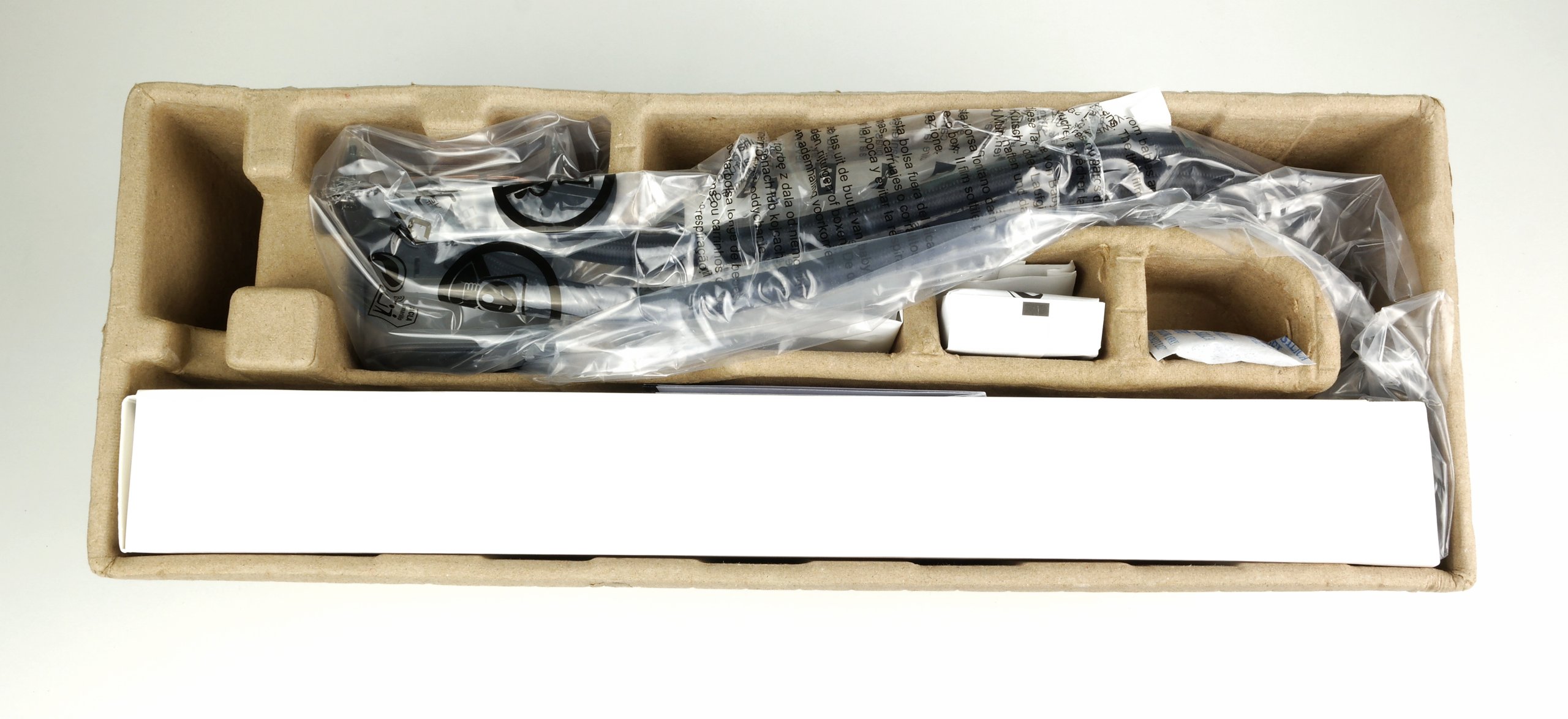
Corsair remains true to its line when it comes to accessories. Everything is neatly sorted in the box, neatly packed in individual bags and clearly labeled. Screws for the radiator and fan, mounting material for the standard sockets and the obligatory washers are all included. Nothing looks cheaply thrown together and you don’t have to dig through half the box to find the right bag. More important, however, is the iCUE LINK material included. Corsair includes the appropriate link cables so that the fans and pump can be integrated directly into the ecosystem. An additional hub is not absolutely necessary for this version, but is of course included, which makes installations much more convenient. The cables themselves are short enough to be routed cleanly, but long enough not to reach their limits in the first case. All in all, Corsair delivers exactly what you would expect, without frippery and without missing small parts that would otherwise mess up the assembly.
 Assembly and installation
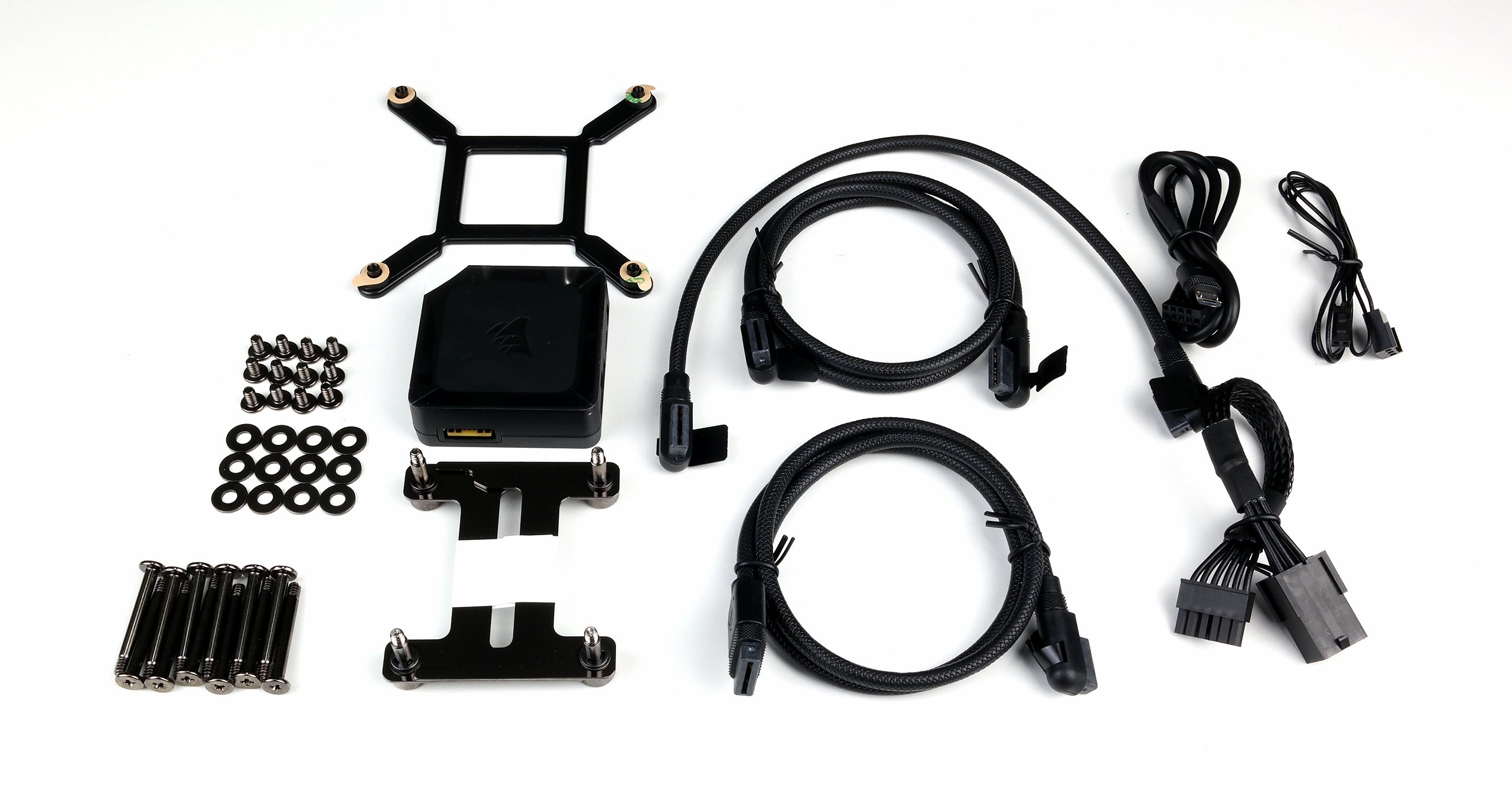
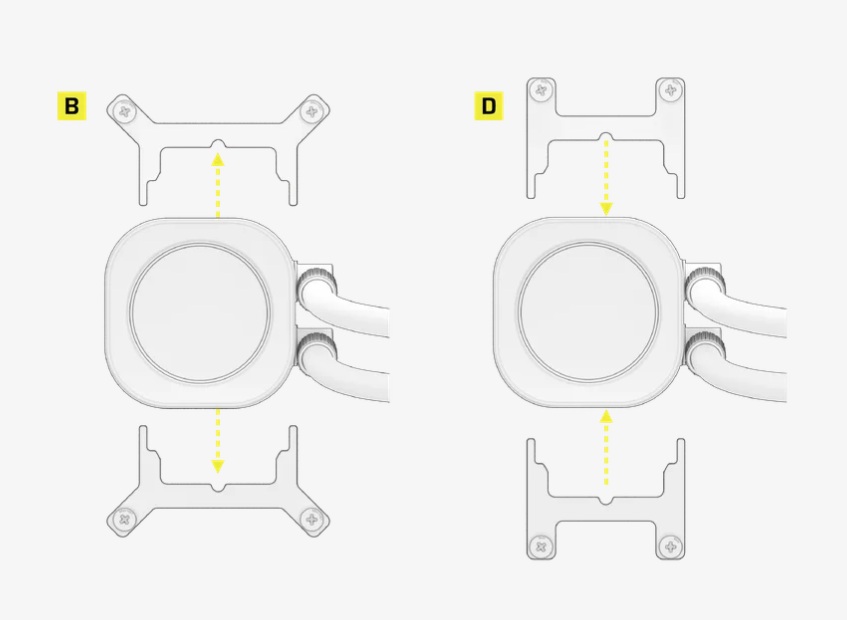
Installation is a dream – Corsair delivers a completely redesigned mounting system with magnetic fixation and tool-less brackets. No fiddling around, no “where’s the damn spacer?”. However, points are deducted for the forced iCUE marriage. When mounting the AM5 socket I use, the existing backplate of the mainboard is reused and the magnetic mounting brackets on the front are replaced and screwed directly onto the mainboard.
Specifications
Below is an overview of the key technical data. Further information can be found on the manufacturer’s product page.
| Category | Specification |
|---|---|
| Radiator size | 420 mm (3 × 140 mm fan positions) |
| Radiator dimensions | approx. 457 × 140 × 30 mm (L × W × H) |
| Radiator material | Aluminum, black coated |
| Hose length | approx. 400 mm |
| Hose material | Rubber hoses with sleeve |
| Pump | 3-phase pump with PWM control |
| Pump speed | approx. 800 to 2800 rpm |
| Pump current consumption | ~0,3 A |
| Cooling plate | Copper, microstructured |
| Fan type | Corsair RX RGB 140 mm (iCUE LINK) |
| Fan speed | 300 to 1700 rpm |
| Air flow | up to approx. 80 CFM per fan |
| Static pressure | up to approx. 2.0 mmH₂O |
| Noise level | up to approx. 32 dBA |
| RGB | 8-zone or multi-zone ARGB lighting per fan and pump head |
| Connection | iCUE LINK system (one-cable topology) |
| Compatible sockets | Intel LGA 1700, 1200, 115x, AMD AM5, AM4 |
| Warranty period | 5 years |
| Special features | Daisy-chain fan, magnetic link connectors, integrated temperature sensor |
Corsair iCUE LINK Titan 420 RX RGB, schwarz (CW-9061019-WW)
| Auf Lager, 1 Werktag | 243,96 €*Stand: 23.12.25 06:42 |


















9 Antworten
Kommentar
Lade neue Kommentare
Veteran
Veteran
Mitglied
Neuling
Urgestein
Veteran
Urgestein
Neuling
Urgestein
Alle Kommentare lesen unter igor´sLAB Community →