















The MSI RTX 5070 Ti Vanguard SOC follows the same principle as the previously tested RTX 5080 Vanguard SOC: MSI offers a slightly cheaper alternative to the SUPRIM series without making any major technical compromises. Here too, the inner workings remain almost identical, the difference lies in the soldered chip. Visually, the Vanguard SOC relies on a slightly different design language and thus appeals to a broader target group, while the SUPRIM continues to rely on a classically elegant appearance.
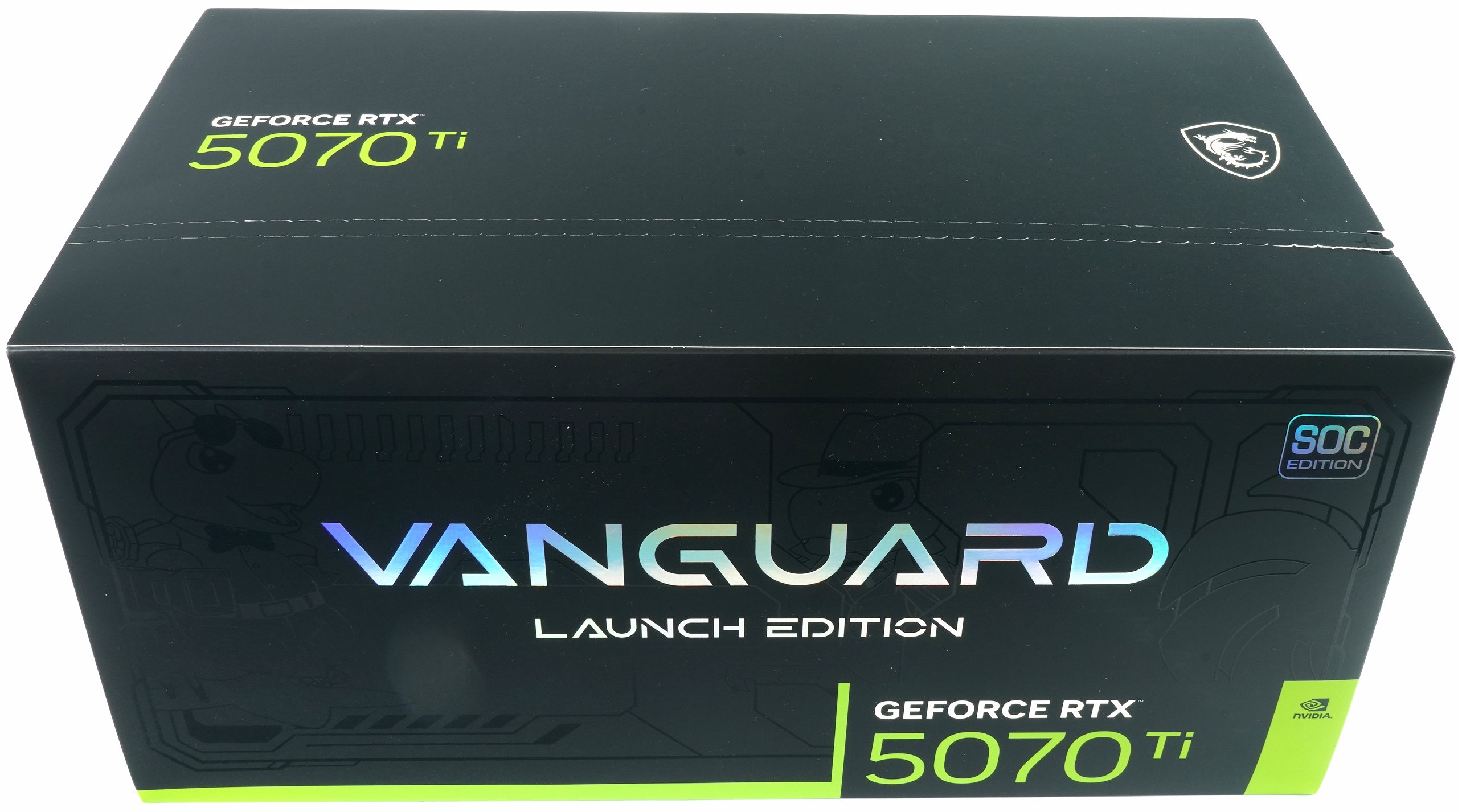
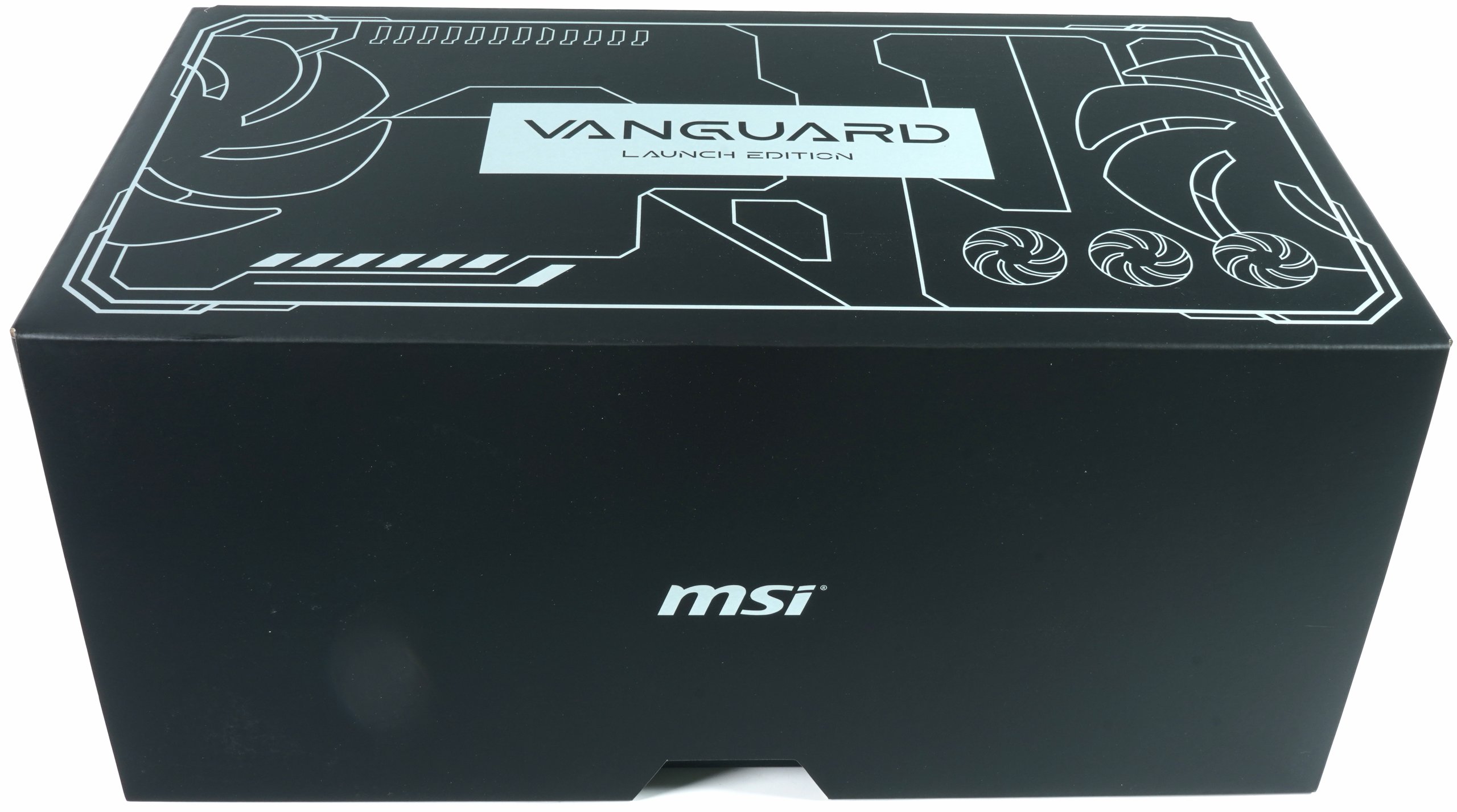
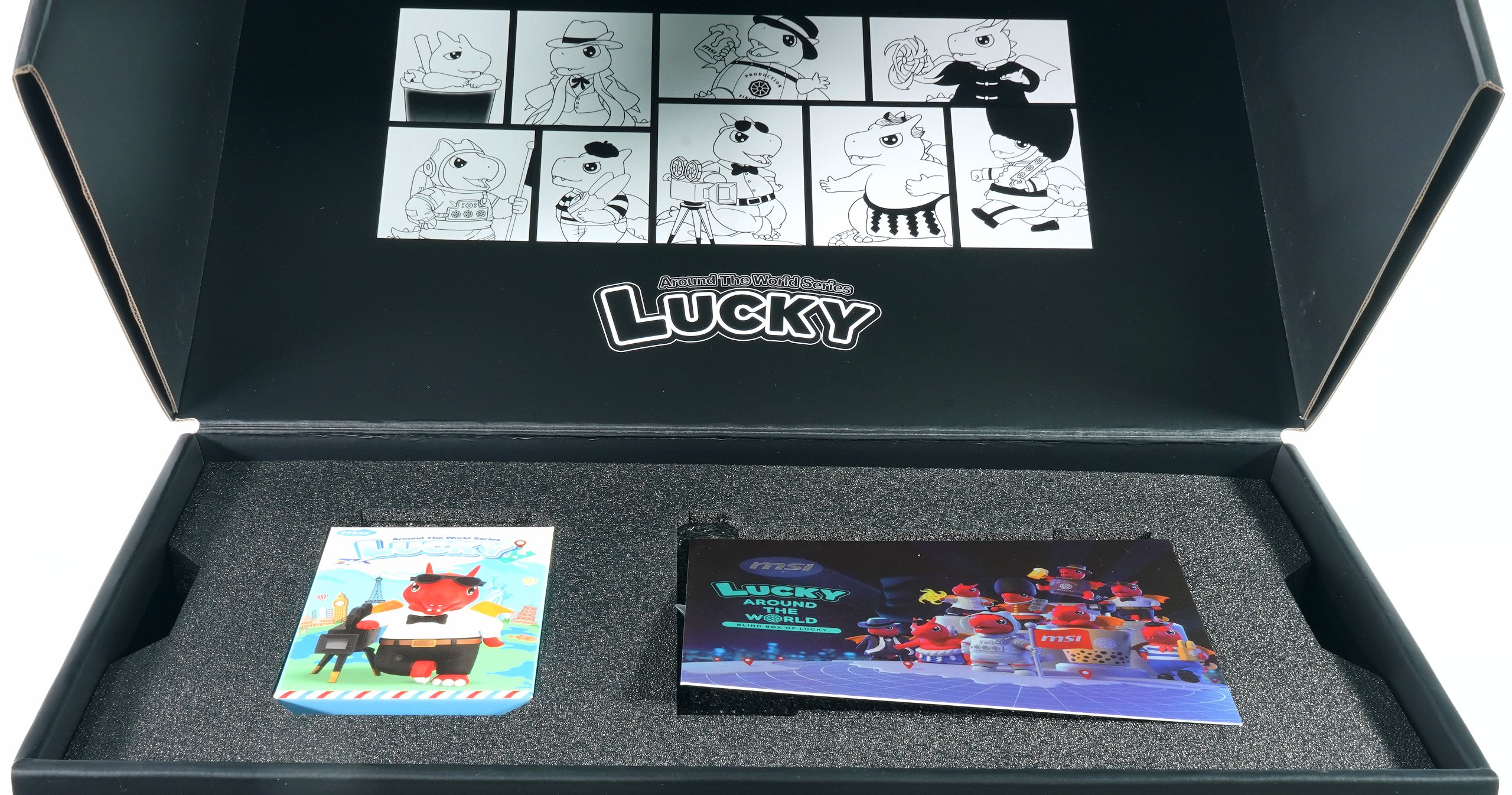
As the basic architecture remains unchanged, I have to look twice. The Vanguard SOC Launch Edition is not only interesting because of its hardware, but also comes with another collector’s extra: the exclusive Lucky figure. Whether you have a soft spot for mascots or not, MSI knows how to round off its products with little details. However, apart from such additions, the test focuses on the actual core questions: How does the RTX 5070 Ti Vanguard SOC compare to its big sister? Are there any noticeable differences in performance, cooling or noise? These points are the focus of the following test.
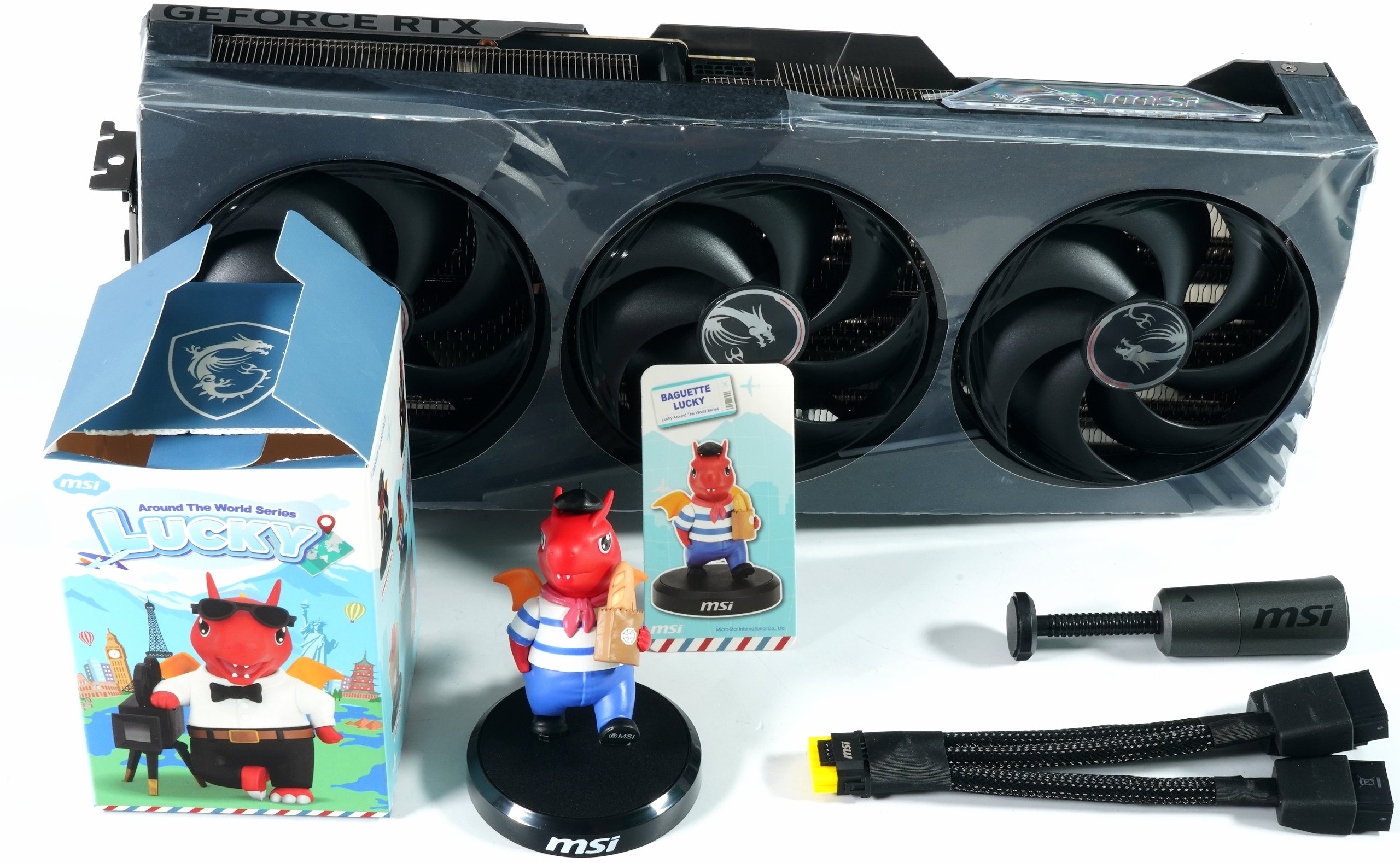
The MSI RTX 5070 Ti Vanguard SOC 16GB
So now, after so many toys, let’s turn to sober reality in the form of this card. The card is based on the new Blackwell architecture, the GB203-300-A1 graphics processor is manufactured in a 4 nm production technology and comprises 45.6 billion transistors on a chip area of 378 mm². With 8960 CUDA cores (10,752), a base clock of 2.30 GHz and a boost clock of 2.45 GHz, the card offers high computing power for current applications.
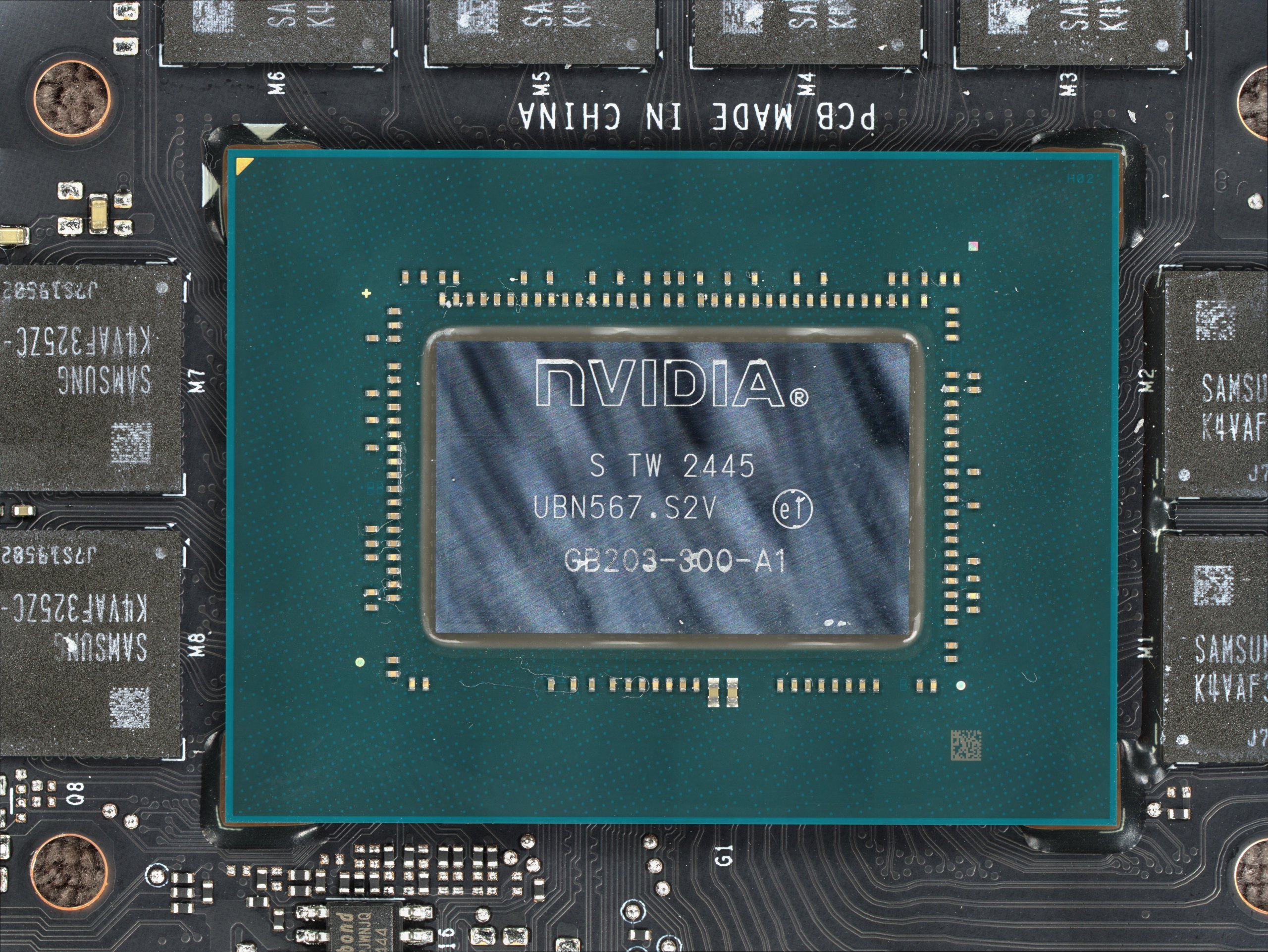
It is equipped with 16 GB GDDR7 memory, which operates at 30 Gbps and achieves a memory bandwidth of 960 GB/s via a 256-bit interface. It has 70 (84) fourth-generation ray tracing cores and 280 (336) fifth-generation tensor cores, which significantly improve performance in the area of AI-supported calculations and real-time ray tracing. The L2 cache has been increased to 64 MB to minimize data transfer bottlenecks. As the RTX 5070 Ti differs from the RTX 5080 primarily in terms of the more powerful chip, it remains to be seen what effect this will have in practice – particularly in terms of performance, cooling and energy efficiency.
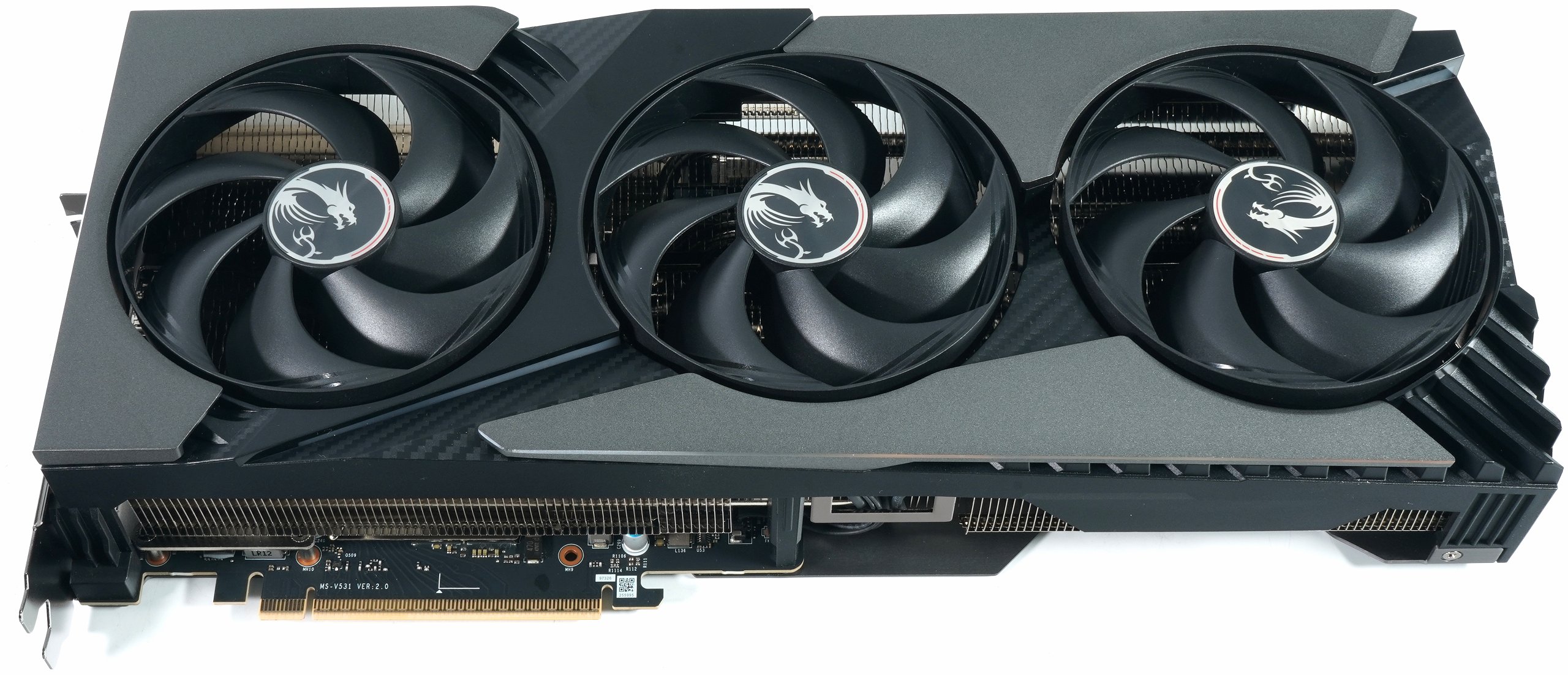
With a weight of 1947 grams, a length of 36 cm and a height of 14.5 cm, this card is even larger than the MSI RTX 5090 SUPRIM SOC, at least in terms of front surface area. Only the 6 cm installation depth (instead of the SUPRIM’s 6.7 cm) plus the 0.5 cm for the backplate are slightly less voluminous. Nevertheless, you have to make sure that you can still close the side panel due to the height of the card. But we already had this with the MSI RTX 5080 Vanguard SOC.
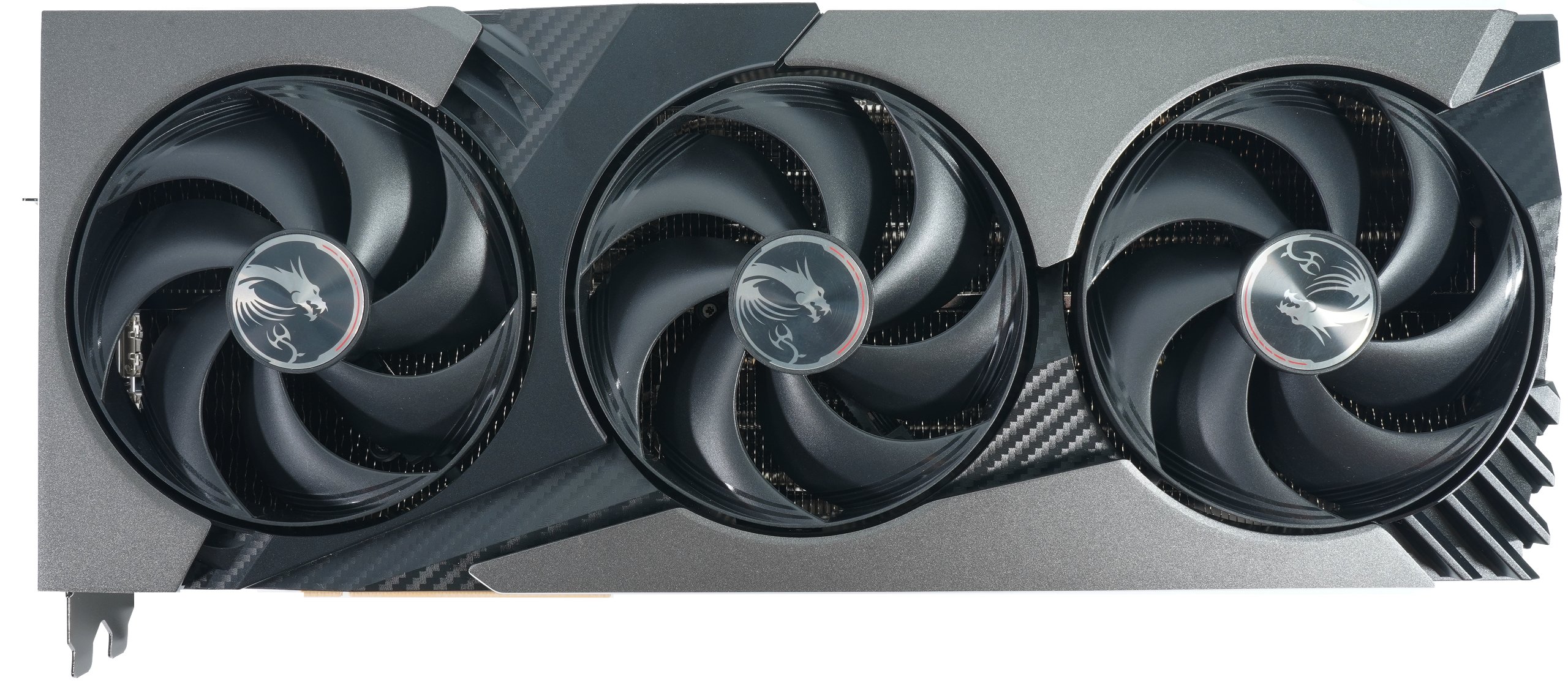
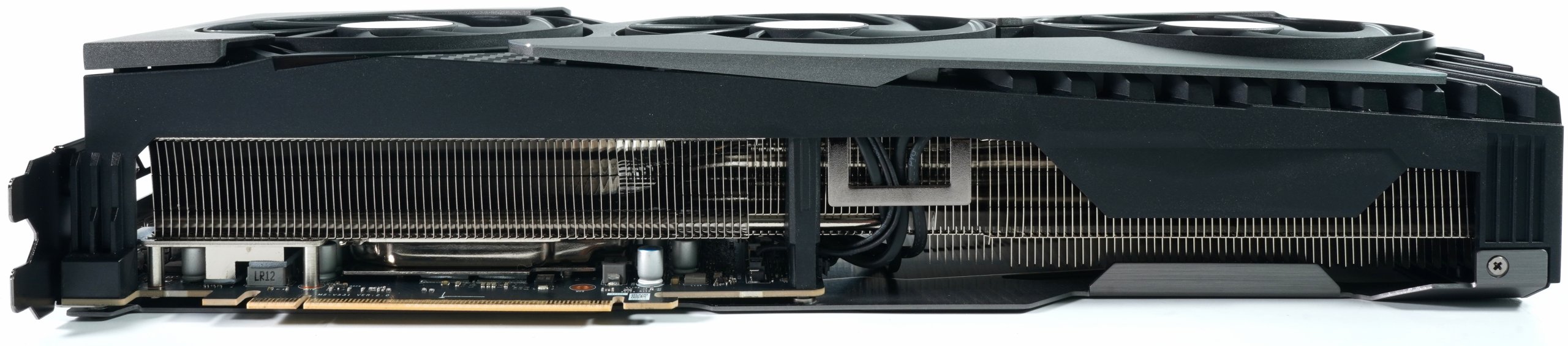
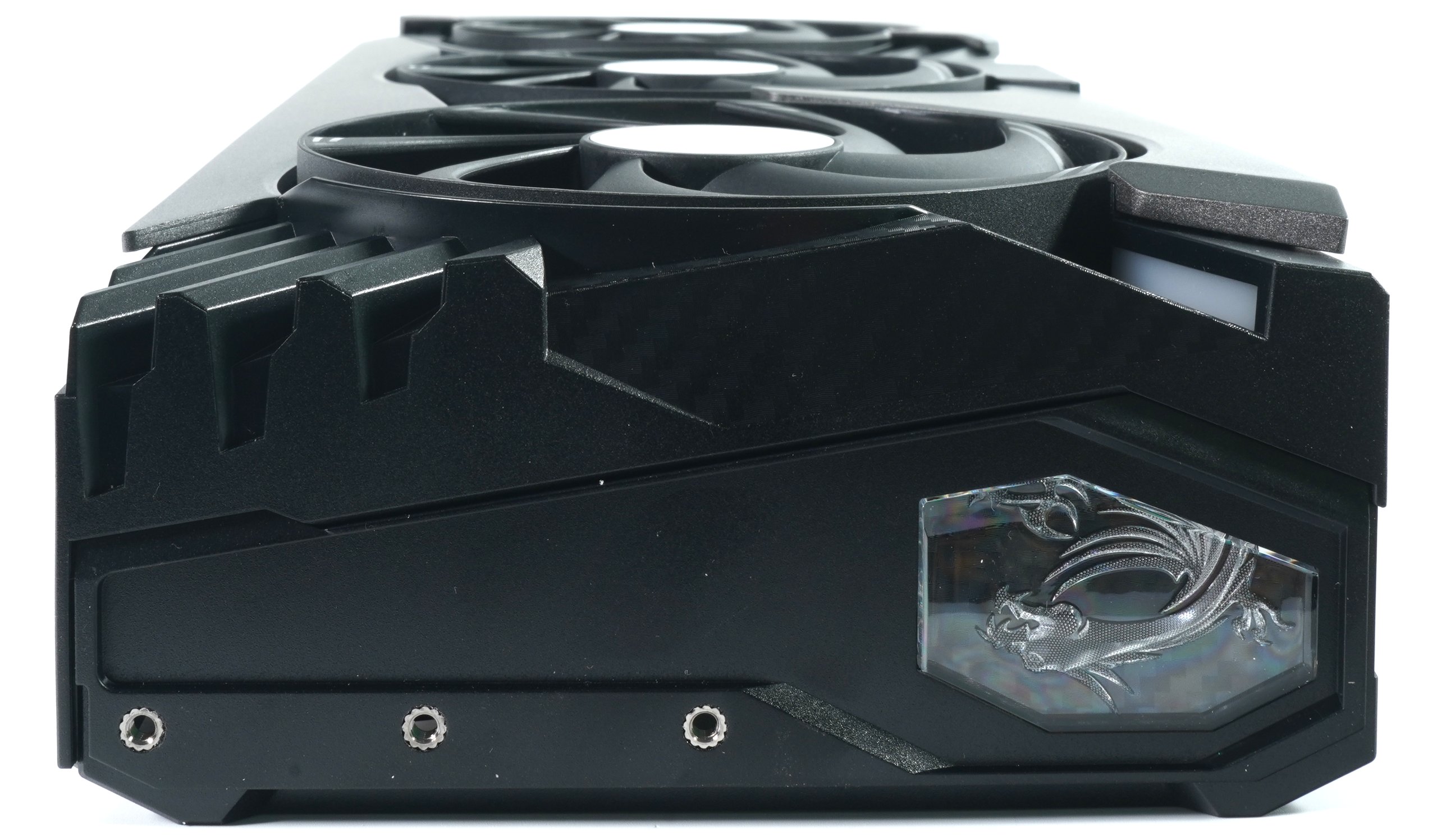
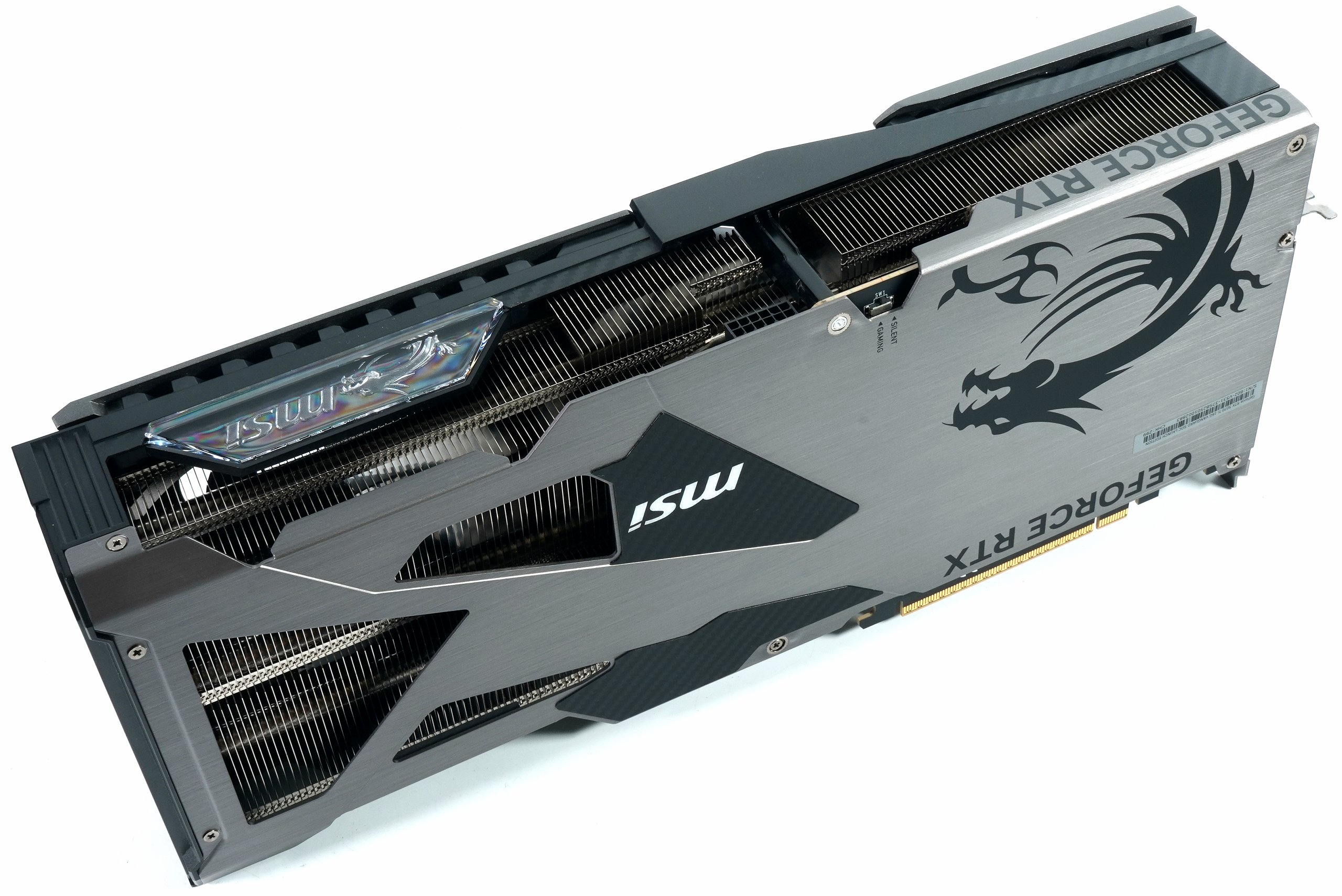
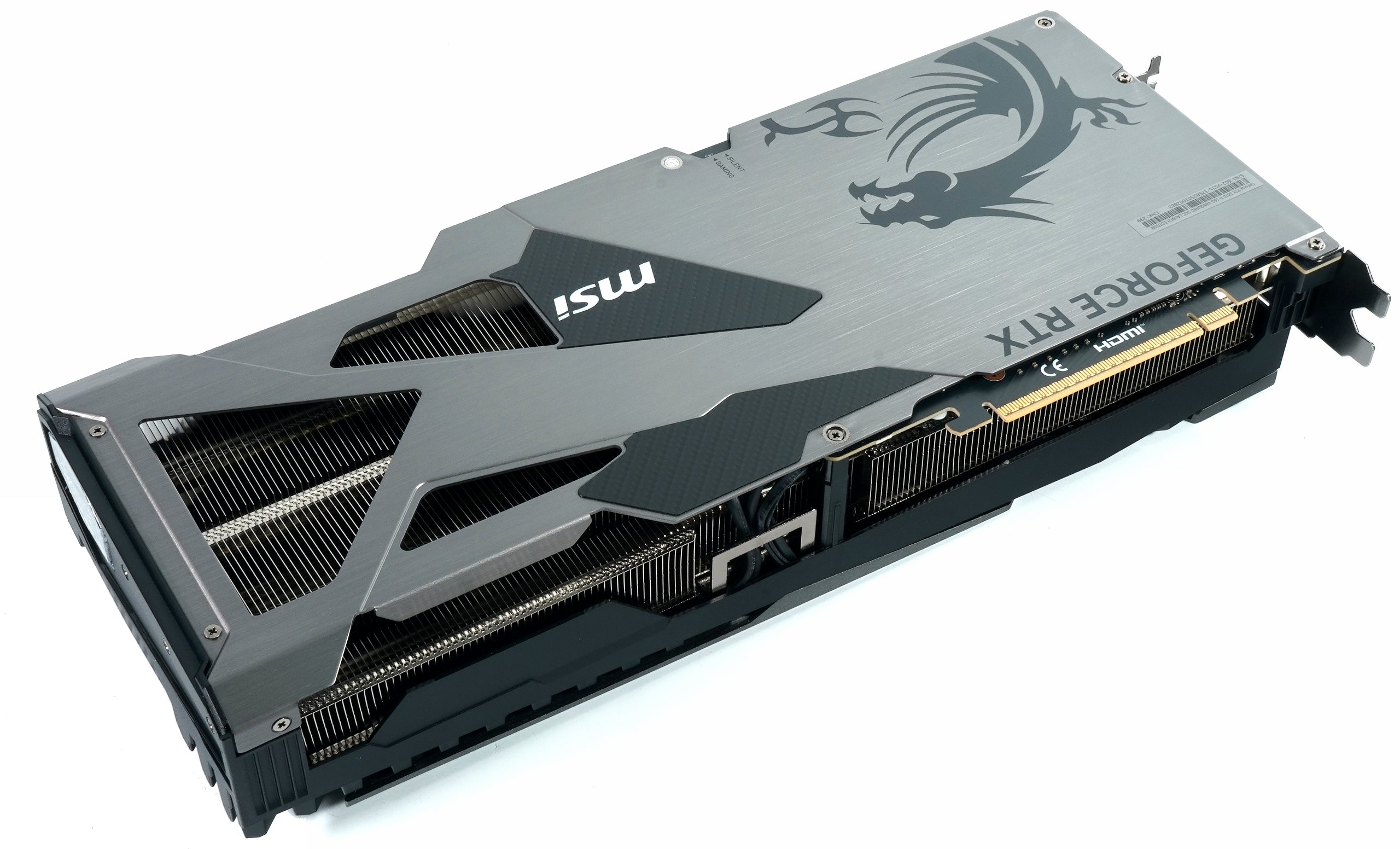
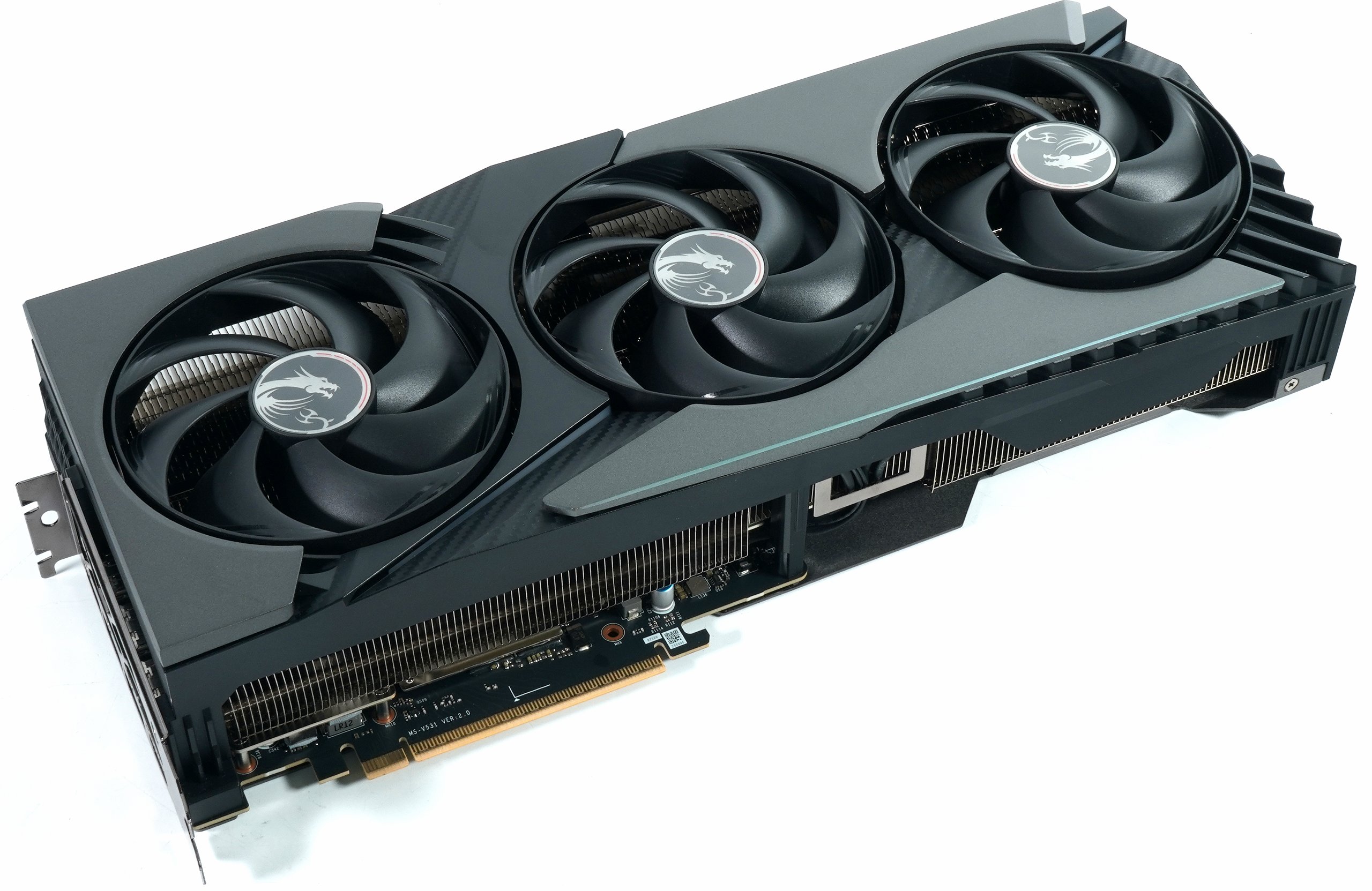
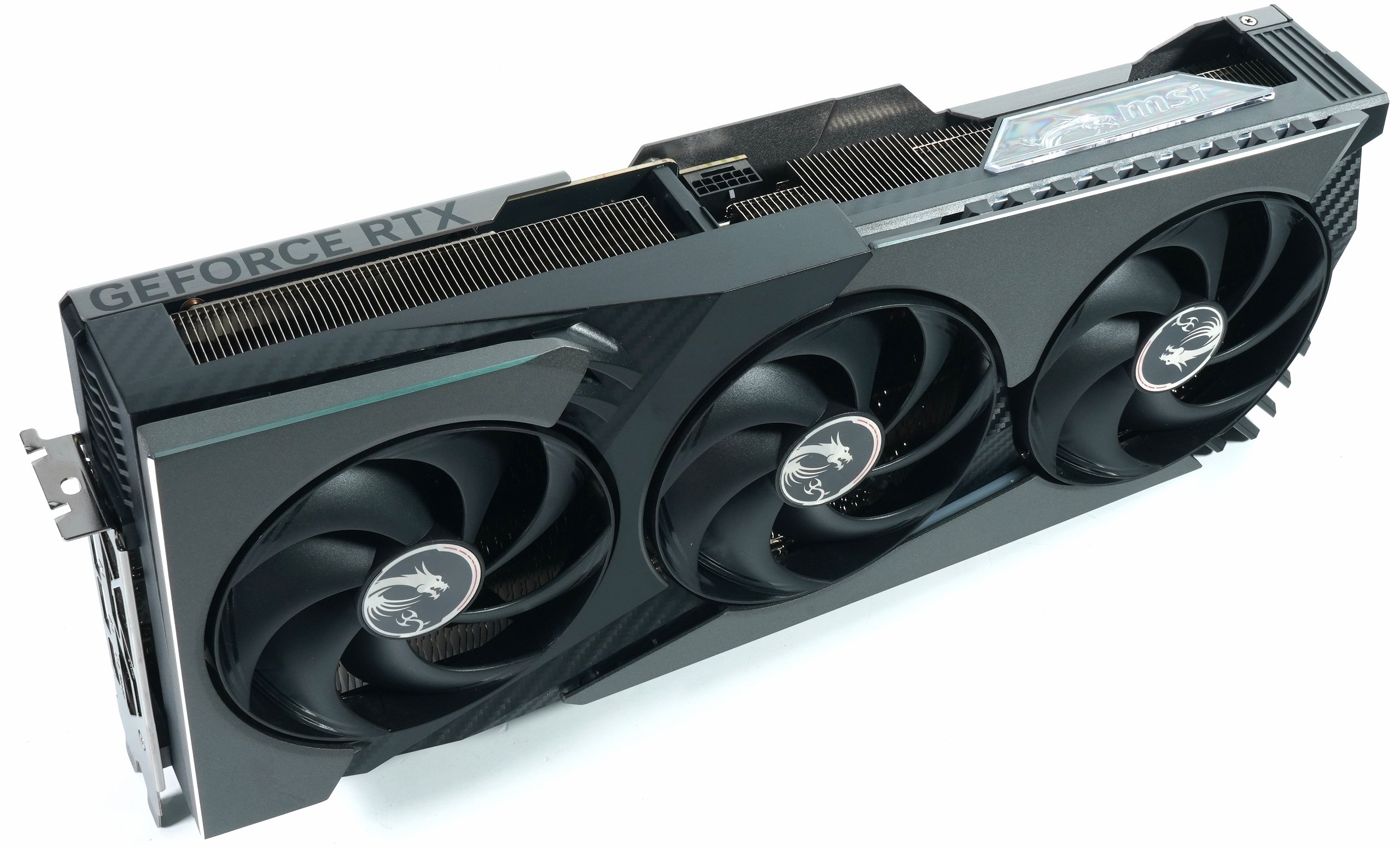
As with its big sister, the graphics card’s cooling system is based on an integrated vapor chamber that efficiently dissipates heat from the GPU and VRAM. The heat is dissipated through rectangular core pipes, which offer an optimized contact surface for an even distribution of waste heat. More on this in the teardown in a moment. It’s all still very similar.
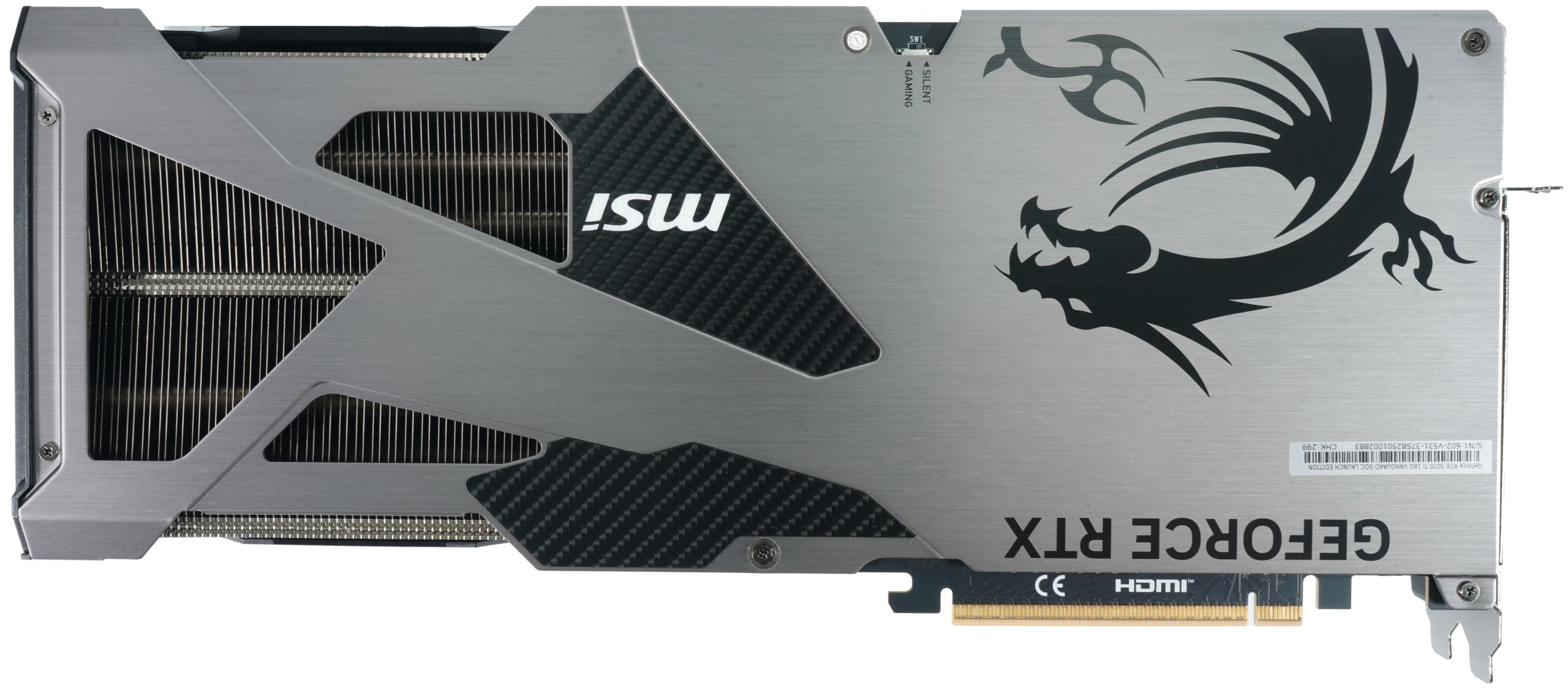
According to MSI, cooling is supported by precision-engineered fins equipped with Wave Curved technology to optimize airflow and minimize turbulence. The fan system of the RTX 5070 Ti Vanguard SOC comprises seven fan blades with a specially textured surface, which ensure a high airflow at a reduced noise level. A Zero-Frozr function deactivates the fans when idling or under low load to further reduce the noise level. Of course, I still have real measurements of the thermal conductivity materials used. Question: Which card is which?
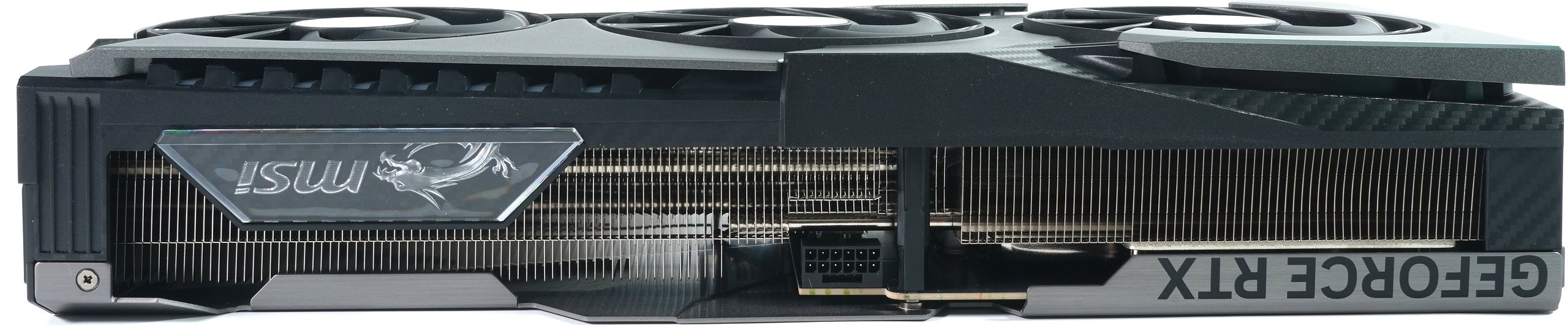
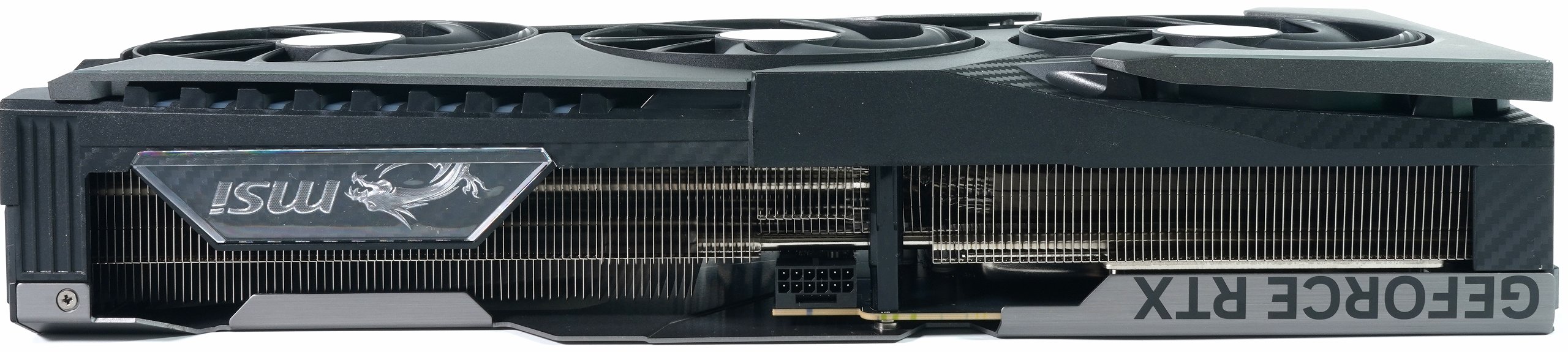
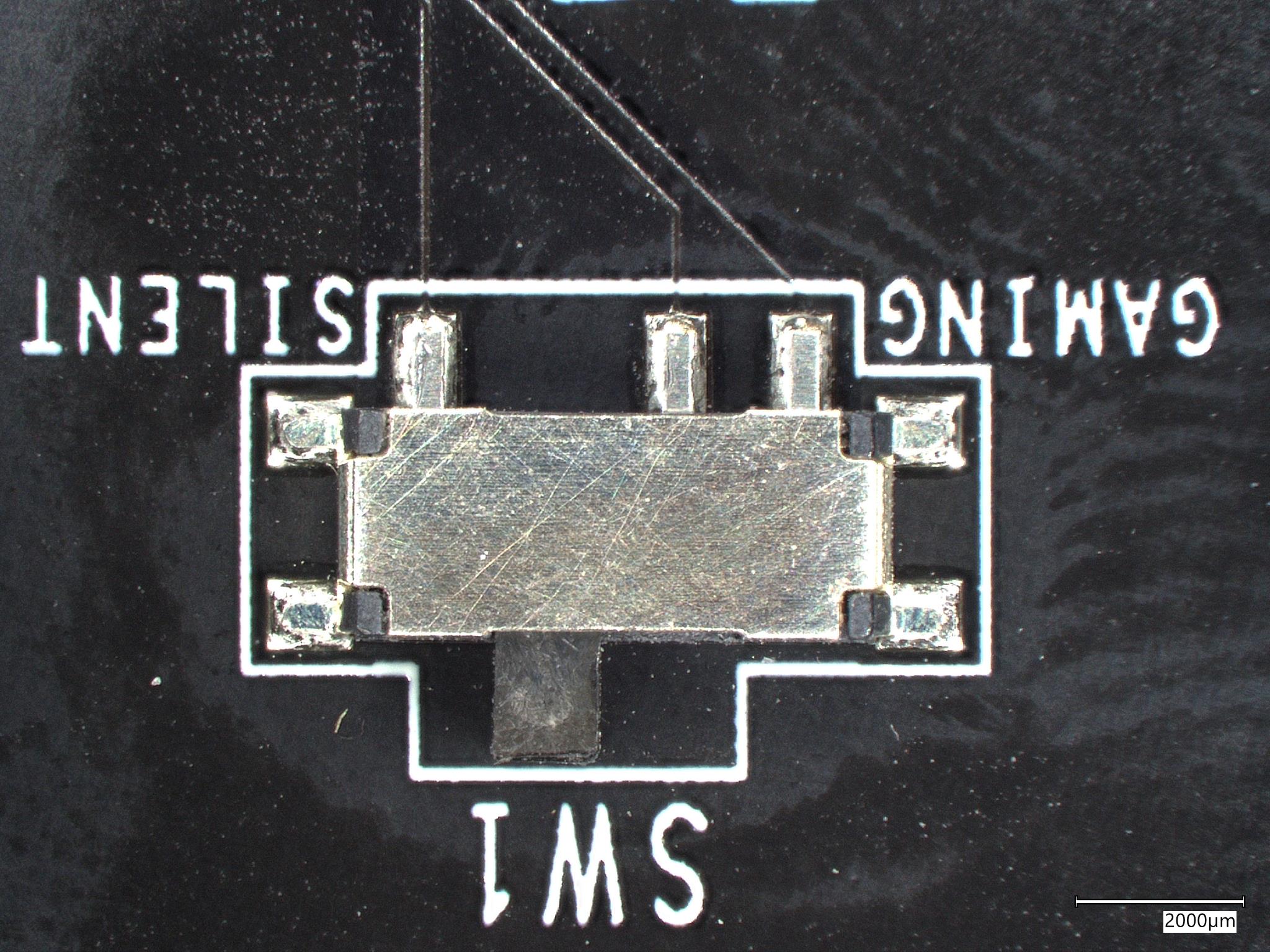
Additional safety features such as a built-in fuse and HCI chokes provide increased protection against electrical damage. More on this in the obligatory teardown, which I didn’t want to miss out on here. The card also offers a dual BIOS, which does not allow the GeForce RTX 5070 Ti Vanguard SOC to switch between a performance-oriented mode and a low-noise mode, but only allows the fans to operate more or less aggressively. Since the card remains very cool even without the fan turbo, I took the measurements in silent mode. The clock difference was not or hardly measurable, the boost steps were always the same.
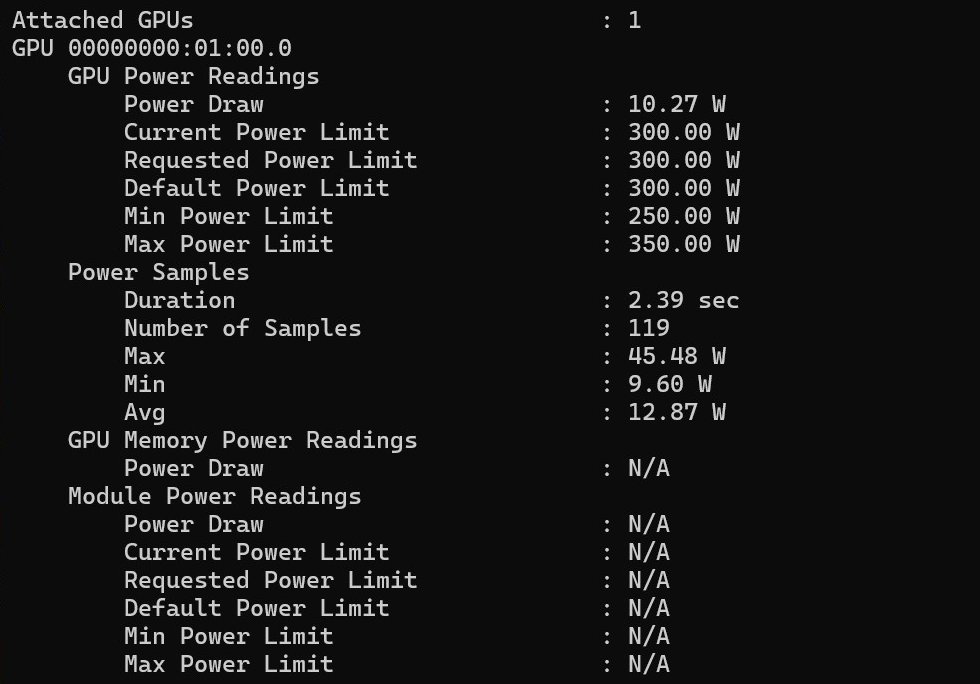
Unfortunately, you have to overclock and increase the power limit yourself if you think you need to. After all, the card still offers a maximum of 350 watts instead of the preset 300 watts and you can also experiment with the current MSI Afterburner. However, the endeavor is somewhat superfluous, because at least my card is already scratching the 2.9 GHz mark even without an energetic boost. Not much more is possible anyway and it gets louder and warmer at most, whereby you can easily reach 3.1 GHz and, with a bit of luck, even the 3.4 GHz limit in the GPU lottery. But then it’s over there too.
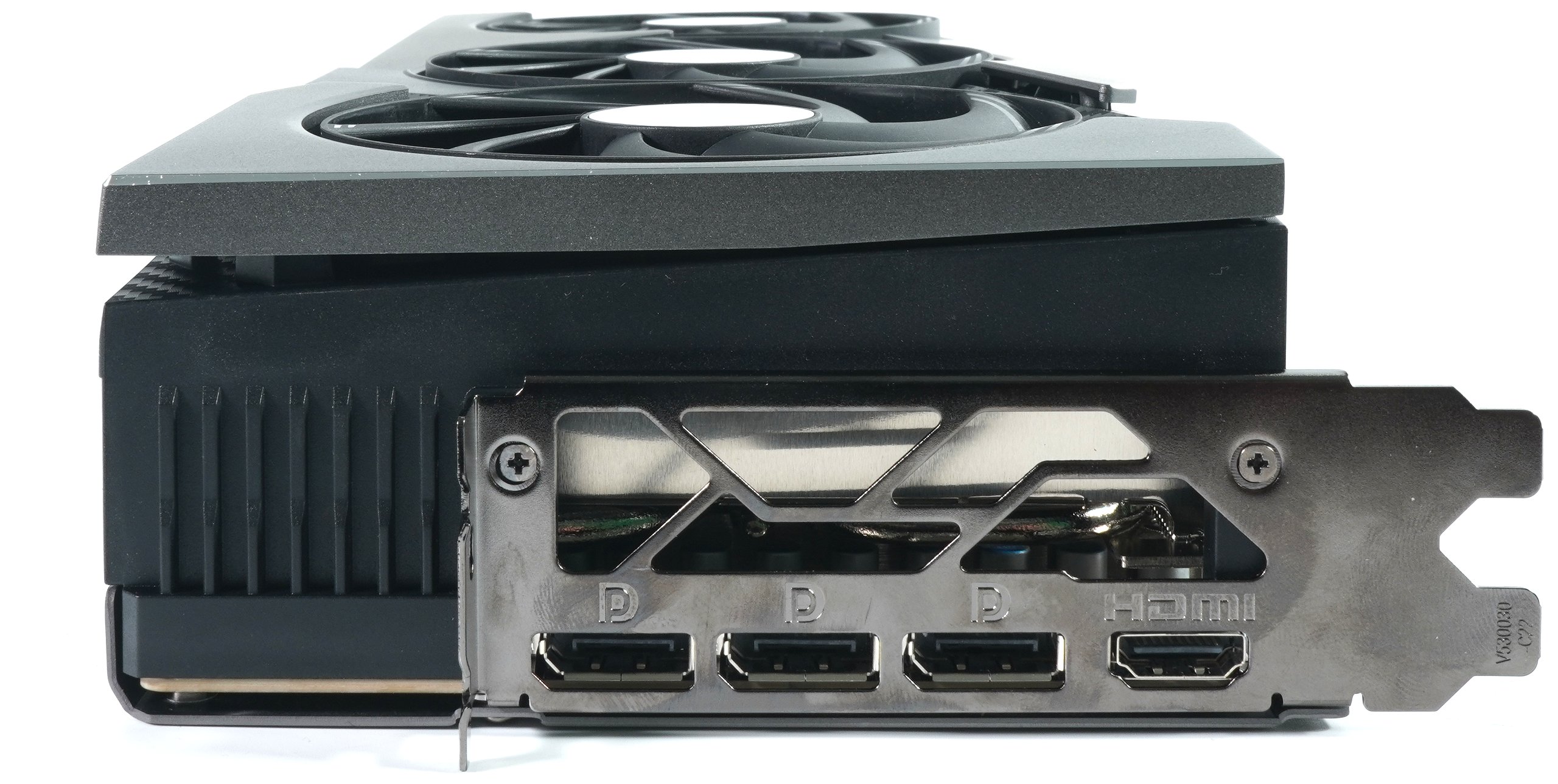
The MSI RTX 5080 Vanguard SOC is equipped with a selection of modern display outputs that ensure high compatibility with the latest monitors and displays. Specifically, the graphics card has three DisplayPort 2.1b ports and one HDMI 2.1b port. This configuration enables the simultaneous operation of up to four displays. The DisplayPort 2.1b connections support resolutions of up to 8K at 165 Hz or 4K at 480 Hz, while the HDMI 2.1b connection enables resolutions of up to 8K at 60 Hz or 4K at 120 Hz. These versatile connection options ensure a flexible and powerful connection to different display setups.
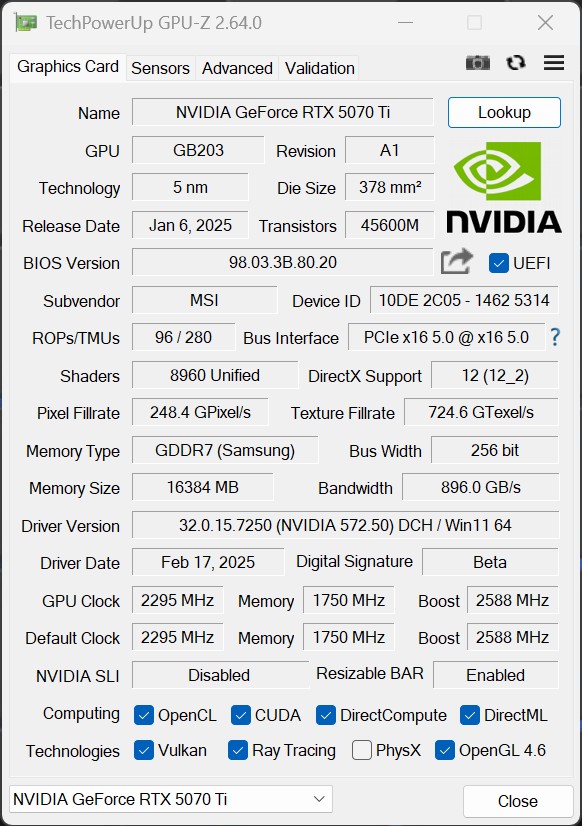
Last but not least, the key data of the overclocked card as a GPU-Z screenshot:
The technical details and manufacturing of the MSI RTX 5070 Ti Vanguard SOC focus on high computing power, efficient cooling and a stable construction. The rest with all the features of the Blackwell generation corresponds to the big launch article, so I’ll save the redundancy now. If you want to see the MSI RTX 5080 Vanguard SOC again, here is the link:

- 1 - Introduction, overview and technical data
- 2 - Test system and equipment
- 3 - Teardown: PCB and cooler
- 4 - Teardown: Material analysis and thermal interface materials
- 5 - Gaming Performance: Rasterization
- 6 - Gaming Performance: Supersampling, RT and FG
- 7 - Power consumption, load peaks, PSU recommendation
- 8 - Temperatures, clock rates and thermography
- 9 - Fan curves and operating noise
- 10 - Summary and conclusion













45 Antworten
Kommentar
Lade neue Kommentare
Urgestein
Urgestein
Mitglied
Mitglied
Urgestein
Urgestein
Urgestein
Urgestein
Urgestein
Urgestein
Urgestein
Urgestein
Mitglied
Urgestein
Veteran
Neuling
1
Neuling
Urgestein
Alle Kommentare lesen unter igor´sLAB Community →